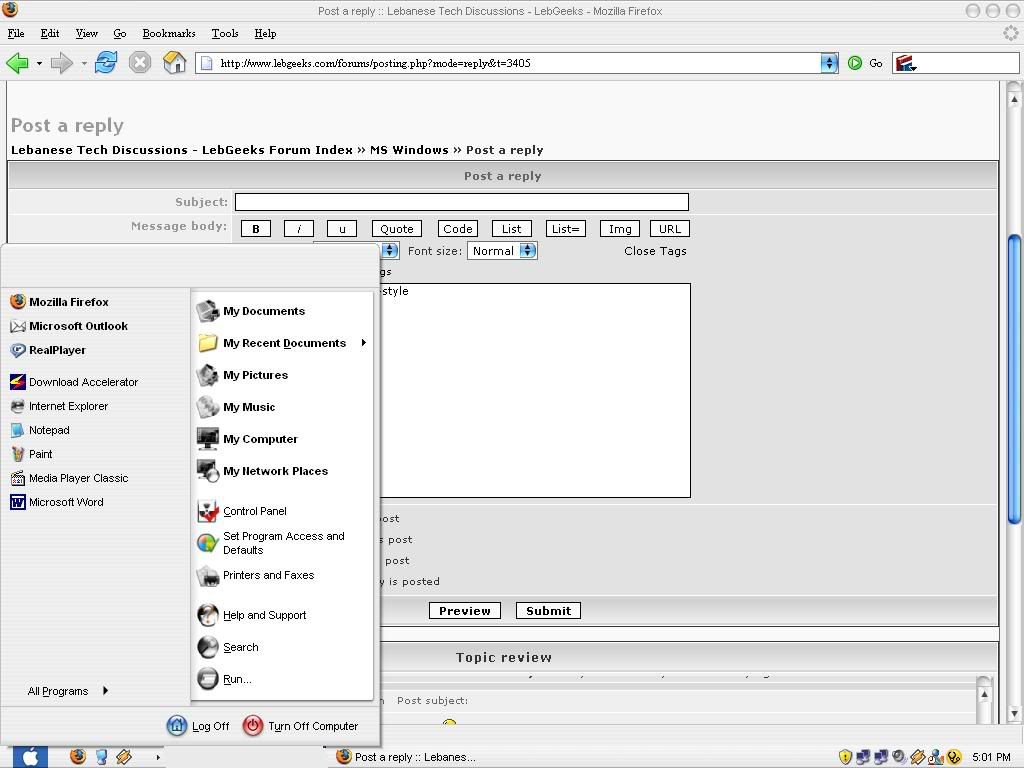
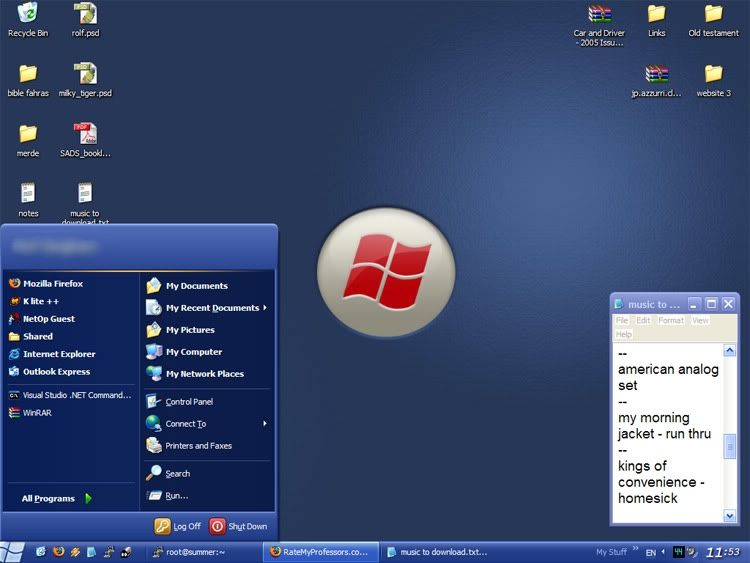
There are several ways to change your windows themes, and use non-standard themes. These can be put into 2 categories, programs you have to download and pay for, and hacking the themeing engine of windows xp. I've used the second method as it uses as little system resources as possible, doesn't cost me anything, and is the easiest to implement.
UXtheme.dll is what allows themeing in windows xp, but the regular dll doesn't allow you to add themes, so what you have to do is replace it with a hacked/changed version so that it allows extra themes. Each person has to replace the current dll with one that fits their system. eg. for me I need the uxtheme.dll that works with windows xp & sp2 (it's the only one I have, I can try to find others if you really need them). There are two things you need to download themodified
uxtheme.dll and
replacer (a program that replaces important system files correctly, it compiles and decomplies it etc. etc.).
Once you have both programs extract the contents of replacer.zip into its own folder and open the program. Now make your way to C:/windows/system32/ and drag uxtheme.dll into the replacer program. When that's done press enter and drag the modified version (which you downloaded) and press enter, then y to confirm the replacment. When the program prompts you to restarts, restart **Warning I won't be held responsible if the dll doesn't work, always make a backup first Warning**
Now you can start adding themes. Go to
deviantart.com and go to it's skinning section, or click
here. You can download any of these themes, to install them all you have to do is copy the theme to C:/windows/resources/themes/ folder. Most of the time it's just copy and paste keeping folder structure intact. Sometimes you may get themes whereby you have to create the directory. If you have a qwe.msstyle then create a folder called qwe and put qwe.msstyle in it and then within that folder create a folder called shell, and put the shellstyle.dll in there.
Once you've installed your themes all you have to do is right click on your desktop and go to properties -> the apperance tab and choose your theme from the drop down menu.
At the beginning of the tutorial, I mentioned another way is to use programs,
wincustomize has many programs for themeing windows in different ways,
windowblinds is the program that you need to change themes. Another program by a different company is
stylexp, but it costs money and I didn't like it that much. UXtheme method is by far the best.
PS: Wincustomize has lots of themes, wallpapers and other stuff for you to choose from.
Icons
Changing icons in windows is very easy, or very hard. Both ways use one program.
Iconpackager. The easy way to use this program, is to download an icon pack (ie a pack that has most icons used in windows) and then use the program and it will change them for you automatically for every instance. This is recommended as icon packs often have all icons looking the same for everything. The hard way is when you download individual icons, which means you need to change each type of icon one by one (eg folders, hard disks, cd drives etc.)
Some icons sites
OS X Icons for Windows
FOOOD's Icons
Sony Clie Icons
You can use
deviantart and
wincustomise.com as well.
Btw if anyone finds a crack for the current iconpackager message me, because I can't seem to find one :S.
Rolf, to edit current visual styles/themes use
stylebuilder which can be downloaded
here